Basic stopwatch functions
The stopwatch can measure and read up to 23 hours, 59 minutes, and 59.95 seconds in 1/20-second increments.
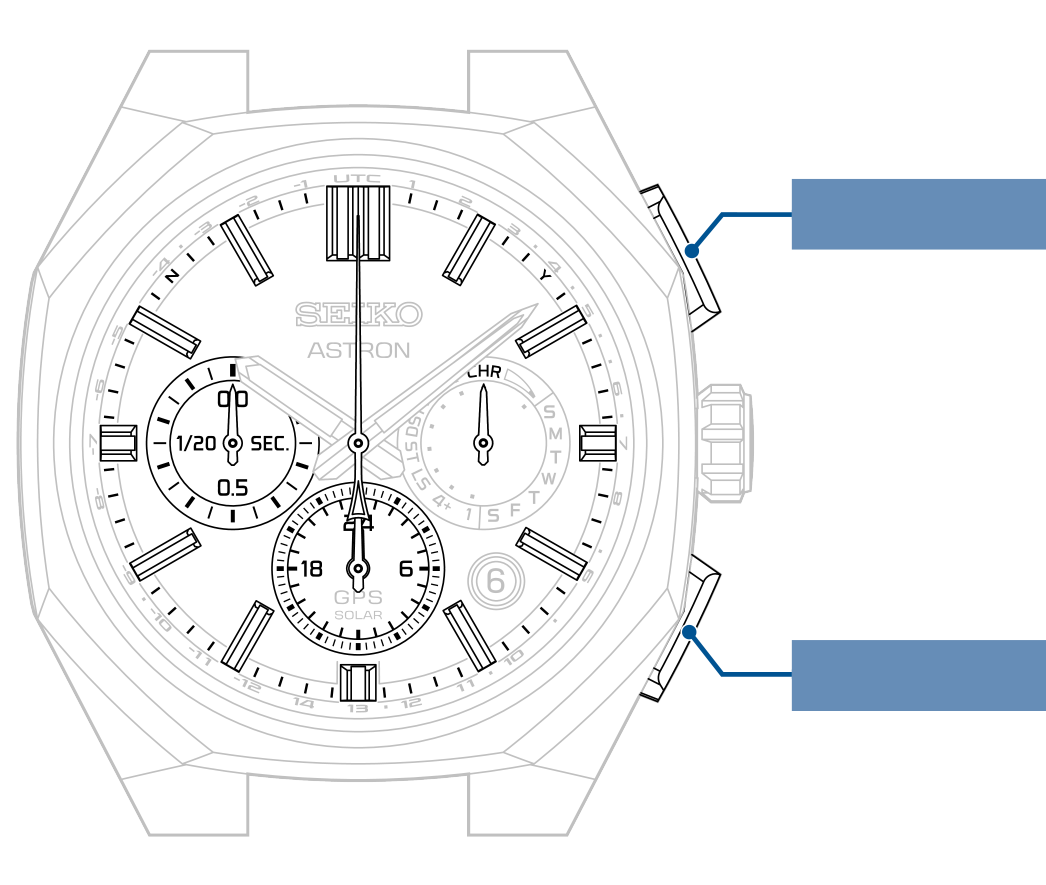
The display consists of four hands.
After 24 hours have passed, the stopwatch will stop and reset.
The stopwatch 1/20-second hand stops at the 0-second position after operating for up to one minute.
When a split or stop operation is performed, the seconds are displayed.
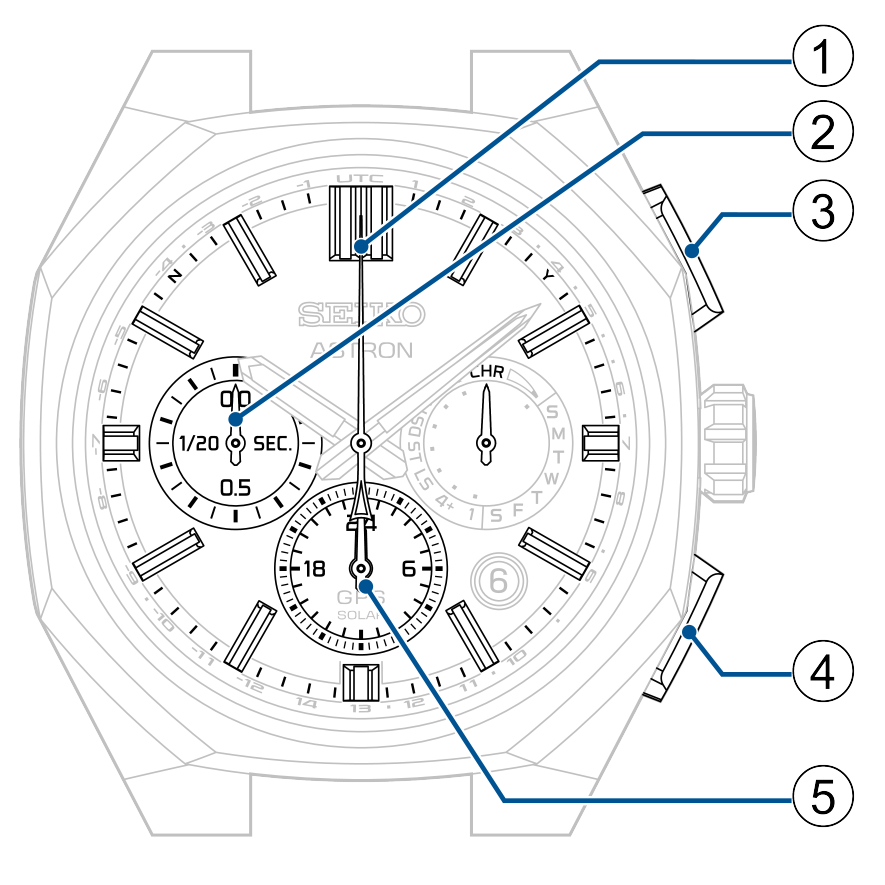
-
Stopwatch seconds hand
-
Stopwatch 1/20-second hand
-
Button A
-
Button B
-
Stopwatch hour and minute hands
Switching to stopwatch mode
-
Pull out the crown to the first click
-
Press Button B and then release it
-
Push the crown back in
The seconds hand moves to display the currently set time zone.
The multi-function indicator hand indicates DST (Daylight Saving Time) setting.
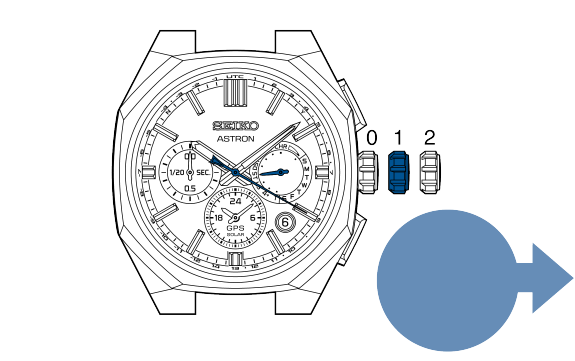
Pull out to the first click
The multi-function indicator hand displays “CHR”.
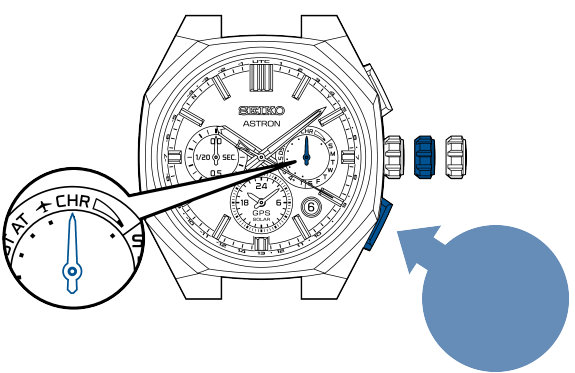
Press and then release
The watch will enter stopwatch mode.
The stopwatch hands (1/20-second, seconds, hour, and minute hands) return to the 0-second position.
The 1/20-second hand goes around once.
The multi-function indicator hand continues to display “CHR”.
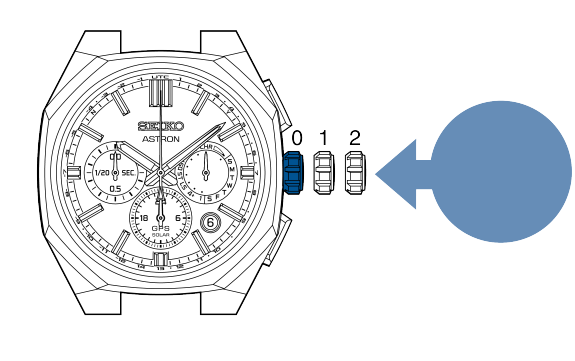
Push back in
Start measurement after the 1/20-second hand and the seconds hand return to the 0-second position.
The measurement will start even if the stopwatch hour and minute hands are being advanced rapidly.
Turning off stopwatch mode
Pulling out the crown and pushing it back in turns off stopwatch mode.
The multi-function indicator hand returns to display the day of the week.
If the energy level is low, the day of the week is not displayed, and the watch returns to a charging status display of “low.”
Normal use
Button A
Button B

Start
Stop
Reset
Button A
Button A
Button B
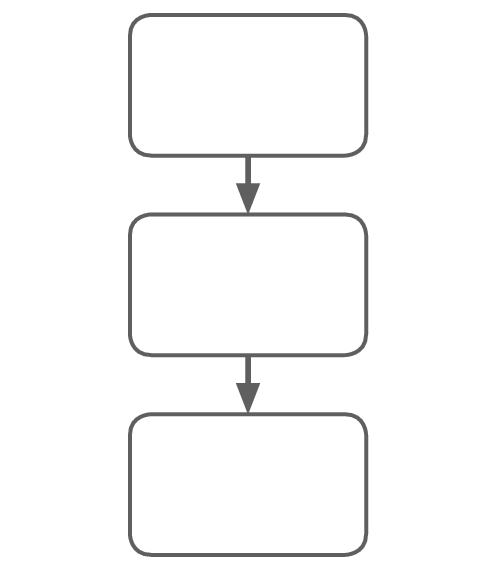
Start
Stop
Reset
Button A
Button A
Button B
When time is measured in cumulative total

Start
Stop
Restart
Stop
Reset
Button A
Button A
Button A
Button A
Button B
This cycle can be repeated as many times as desired.
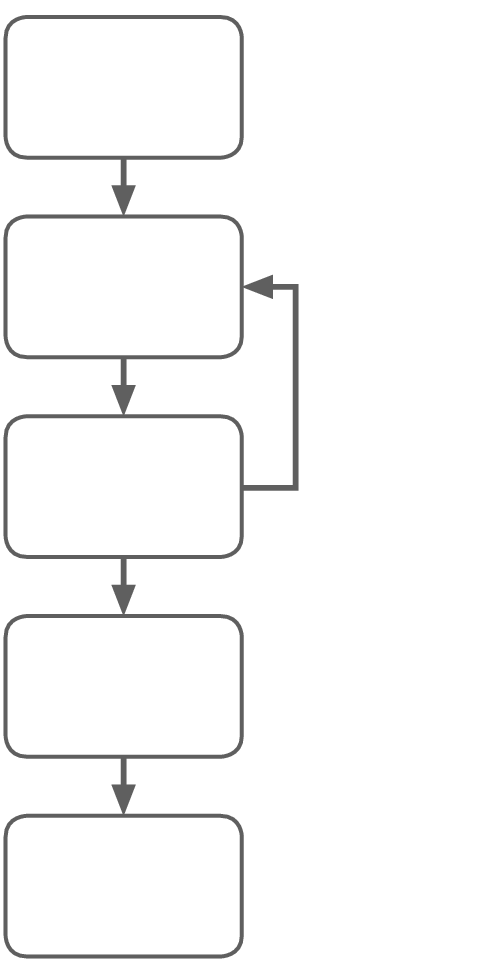
Start
Stop
Restart
Stop
Reset
Button A
Button A
Button A
Button A
Button B
This cycle can be repeated as many times as desired.
To measure the split time

Start
Split
Split release
Stop
Reset
Button A
Button B
Button B
Button A
Button B
This cycle can be repeated as many times as desired.
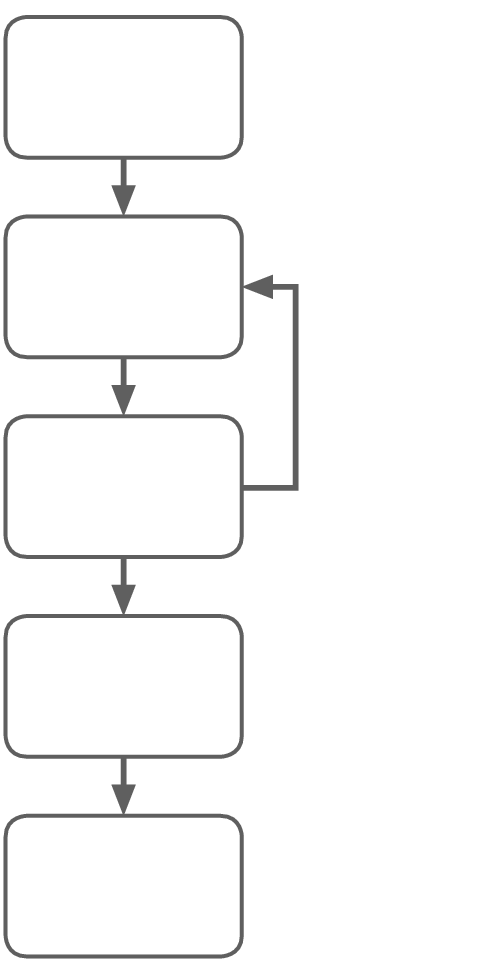
Start
Split
Split release
Stop
Reset
Button A
Button B
Button B
Button A
Button B
This cycle can be repeated as many times as desired.
When the stopwatch is in the “split” state, when the measured time reaches 24 hours, measurement will automatically terminate.
The split is reset and the stopwatch returns to 0 hours, 0 minutes, and 0 seconds.
When time is measured for two people

Start
First person reaches the goal (Split)
Displays time for the first person
Second person reaches the goal (Stop)
Split release
Displays time for the second person
Reset
Button A
Button B
Button A
Button B
Button B
Start
First person reaches the goal (Split)
Displays time for the first person
Second person reaches the goal (Stop)
Split release
Displays time for the second person
Reset
Button A
Button B
Button A
Button B
Button B
Resetting the stopwatch
Button A
Button B
If the stopwatch hands are moving
-
Press Button A to stop
-
Press Button B to reset
If the stopwatch hands are stopped, the following three situations are possible.
[Stopped in a stop state]
-
Press Button B to reset
[Stopwatch measurement is in progress and the split display is active]
-
Rapidly advance the stopwatch hands with Button B, then the stopwatch will enter a state of measurement.
-
Press Button A to stop
-
Press Button B to reset
[Stop state with split display]
-
Rapidly advance the stopwatch hands with Button B, then the stopwatch will stop.
-
Press Button B to reset